
In a world dominated by electronic gadgets, managing stray cables isn't just a matter of aesthetics—it's crucial for maintaining your devices' longevity and functionality. While the infamous tangle of cords may seem unavoidable, implementing smart cable management habits can transform your maintenance routine entirely. Let's delve into the practices that will keep your electronics running smoothly.
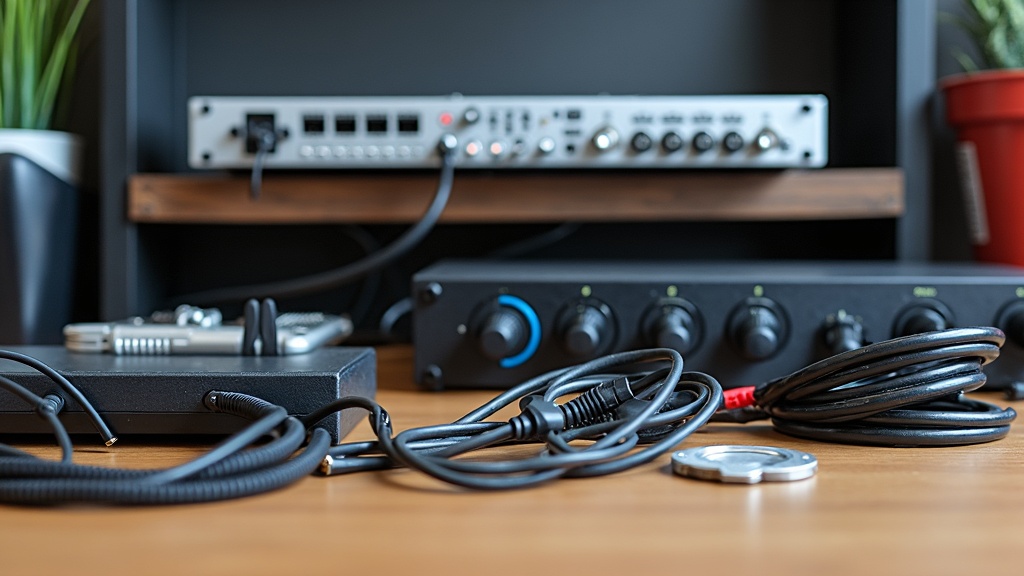
Declutter and Conquer
The first step to impeccable cable management begins with a ruthless declutter session. Take the time to assess which cables are necessary and which are merely adding to the chaos. James P., a seasoned IT technician, suggests labeling and organizing cables by purpose and frequency of use. This gives you a clean slate to work from, making future reconfigurations a breeze and significantly reducing tangling issues.
Harness the Power of Cable Ties
Justin L., an electrical engineer with a penchant for organization, swears by cable ties. These unassuming tools can gather loose cables into tidy bunches, preventing them from wandering to inaccessible corners. Select reusable ties for flexibility and embrace color-coding them for quick identification. Such subtle discipline leads to significant reductions in time spent troubleshooting wiring issues and enhances safety by minimizing tripping hazards.
Label Like a Pro
Incorporating a labeling system for your cables may seem excessive, but the benefits are unparalleled. Samantha K., an electronics hobbyist, speaks to the efficiency that comes from immediate identification of cables during setup and repairs. Use simple labels with clear descriptions for each cable—this practice facilitates fast re-connection and minimizes downtime during troubleshooting tasks.
Strategically Route for Success
Routing cables along walls and through designated pathways reduces surface clutter and protects cables from damage. Lisa N., specializing in home office setups, advises using cable clips to secure cables flush to surfaces. This measure not only prevents accidental disconnections but also maintains aesthetic appeal. Keeping power cables separate from data cables avoids interference, improving both performance and longevity of your devices.
The Virtue of Routine Checks
Maintaining a regular inspection schedule helps identify wear and tear before it becomes a problem. Michael R., a systems administrator, encourages monthly checks to assess for frays or loose connections. This proactive approach can save costly repairs and prolong the life of your electronics. Routine checks ensure that your power connections are secure and data transfers remain uninterrupted.
Embrace the Wireless Revolution
Whenever possible, consider wireless alternatives to cut down on cable clutter. Karen S., a tech consultant, notes the ease that wireless devices bring in reducing the need for physical connections. Transitioning to Wi-Fi networks and Bluetooth peripherals not only streamlines the aesthetic of your setup but also simplifies connectivity. While total wireless adoption isn't feasible for everyone, integrating it where possible sets a foundation for a tidier workspace.
Craft a Central Charging Station
Electricity is indispensable, and the need for power outlets follows suit. To manage numerous chargers, set up a central charging station, suggests tech organizer David T. Ensure all cables connected to this hub have ample slack to prevent strain and damage. Standardized lengths and consistent organization make this hub an effective and visually pleasing solution for dealing with multiple power demands.
Adopt a Modular System
Modular cable systems allow for flexible configurations that adapt to changing needs. Amanda J., an advocate of sustainable tech solutions, highlights the potential of modular setups to keep power and data cables interchangeable. Such systems shift with technological advancements, preventing obsolescence and reducing electronic waste—a green approach to maintaining your digital station.
Start with a Plan, Finish with Confidence
Finally, the importance of a plan cannot be overstated. Ben A., a project manager in home automation, emphasizes mapping out your cable needs and potential growth areas before laying the first tie or clip. A solid plan acts as a guide, ensuring every connection has purpose and place. Starting with intention leads to a more organized and efficient result that is easier to maintain over time.