
In today's tech-driven world, our homes are brimming with electronics, from smart TVs to gaming consoles. Without a clever setup strategy, these tech havens can quickly turn into a tangled web of wires and devices. Read on to learn how to untangle your life and strike the perfect balance of form and function in your household electronic setup.
The Vision Blueprint
Before purchasing any electronics, envision the end goal of your space. Consider the layout of your room and how the electronics will flow within it. Maria, a seasoned interior designer, advises starting with a plan. Mapping out where each electronic component will sit ensures you won't end up with surprises—or clusters of clutter—once everything arrives.
Choosing the Right Furniture
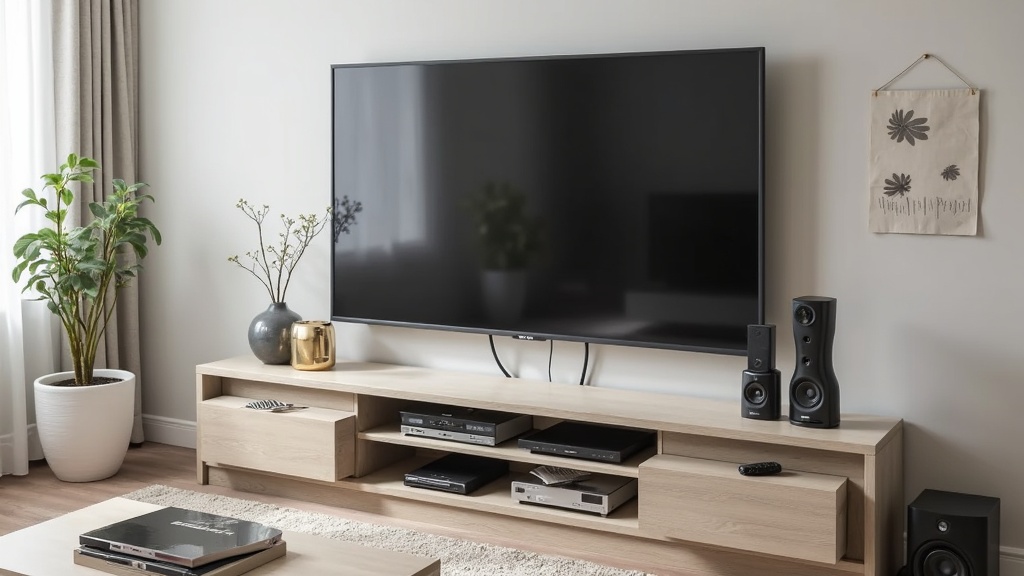
Furniture plays an essential role in setting the foundation for a clutter-free environment. Select pieces that complement your electronics while also providing adequate storage. Ethan, a professional home organizer, recommends furniture with built-in cable management, hidden storage compartments, and ventilated enclosures to keep your devices cool and concealed.
Strategically Employing Cable Management Solutions
When it comes to untangling the chaos of cables, employing strategic solutions is key. Velcro strips, cable boxes, and braided sleeves are all excellent tools for keeping wires out of sight and out of mind. Elena, a tech enthusiast, swears by cable sleeves to bundle multiple wires into one slim, unobtrusive cord, offering an instant aesthetic upgrade.
The Power of Wireless Options
Cords, be gone! Embrace the power of wireless technology to minimize physical clutter. Investing in a dependable wireless router, Bluetooth speakers, and cordless charging stations can dramatically reduce the number of wires in your setup. Noah, a tech-savvy dad, mentions how his family enjoys a cleaner look without sacrificing connectivity.
Label Like a Pro
An organized setup isn't just about aesthetics; function matters, too. Labeling cables and devices can save time and sanity, especially during troubleshooting. Sophia, a DIY enthusiast, uses colored tags to differentiate between chargers, audio cables, and others, so she knows exactly which cord needs attention at a glance.
Optimizing Device Placement
This isn't just about reducing cord length but ensuring optimal device performance. Over-stuffing shelves or placing electronics in corners that limit airflow can lead to overheating. Consider heat dispersion needs and signal strengths when deciding where each piece should go. Alex, an audio-visual technician, stresses the balance between performance and aesthetic satisfaction.
Regular Decluttering Sessions
Commit to regular decluttering sessions to maintain an organized space. Go through your electronics periodically to assess what's necessary, outdated, or unused. Jess, who runs a minimalism blog, points out that decluttering isn't just freeing space but also ensuring your setup only consists of tools that truly serve their purpose.
Simplifying with Multi-Purpose Devices
Consider electronics that can serve multiple functions, potentially trimming down the number of gadgets in a room. Hybrid devices like smart speakers with screens, multi-port charging stations, or TV stands with built-in soundbars help reduce the total count of electronics. Ella, a product design instructor, encourages investing in multipurpose electronics to enhance both space efficiency and tech enjoyment.
Final Touch: Personalizing Your Space
Once your setup is organized, the final touch is to personalize. Incorporate decorative elements around your electronics that resonate with your style. Jamie, an art-collector, suggests blending tech integration with your personality by adding art or plant life that complements the sleek look of modern devices. This way, technology seamlessly blends into the warmth of a home.