
Is your gadget playing hard to get? Before calling in the cavalry, some small tweaks and even simpler observations might be all you need. Here, we delve into the bare essentials of device troubleshooting — a realm where the simplest actions solve the mightiest of tech conundrums.
The Mysterious Case of the Unresponsive Device
You press the power button, and... nothing. Not even a flicker of life. But wait — oftentimes, the culprit is hiding in plain sight. A slightly dislodged power cable or a switched-off power strip may be the only barrier between you and a fully functioning device. Your first step? Ensure all cables are securely connected and that your power source is live and functioning.
Cable Chaos: The Sneaky Saboteur
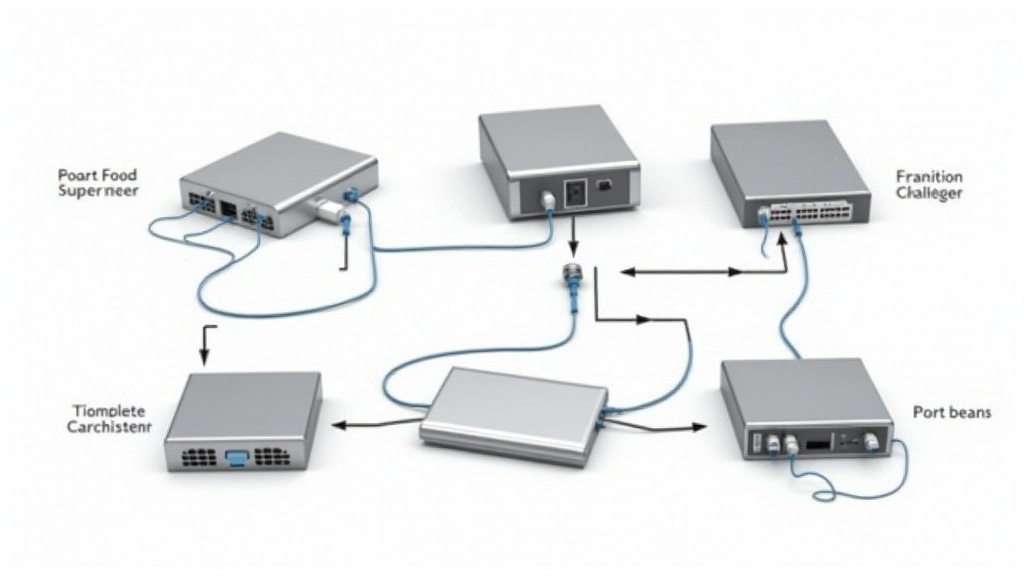
In today’s world, where multi-device setups, involving myriad cables and connections, are the norms, tangles of cords behind desks or tucked into entertainment centers can be silently causing chaos. A loose HDMI cable or a faulty Ethernet connection can wreak havoc. Untangle your woes by systematically checking each one for secure, snug fits.
The Power Problem That Wasn't
Imagine having all your power cables perfectly connected but still facing issues. The problem might not be a power issue at all. A blown fuse, a tripped circuit breaker, or even a drained battery can mimic a device power failure. Understanding and investigating the whole power setup can unearth these hidden issues.
Wireless Woes: The Invisible Interloper
Wireless signals are lifesavers but laden with potential pitfalls. When your device seems to lose connectivity, consider potential barriers like walls, interference from other devices, or even range issues. A simple repositioning of your router or device can restore harmony to your wireless ecosystem.
The Perils of Power Surges
Power surges, though often brief, can be detrimental to electronic devices, causing them to malfunction or even suffer permanent damage. Surge protectors can be your weapon of choice here — ensuring that your devices have an extra layer of defense against fluctuating power currents.
Reboot for Renewal: The Age-Old Solution
While it may sound clichéd, sometimes turning it off and on again truly is the best remedy. For devices plagued with sluggish performance or unexpected glitches, a reboot can clear temporary caches and reset systems, providing a fresh start.
The Forgotten Software Updater
Outdated software or drivers can lead to perplexing problems that seem physical but aren't. Routine checks for software updates ensure that any issues relating to older software versions are addressed, thus keeping your device running smoothly.
Visual Inspections: The Detective's Eye
A good old-fashioned look over can reveal overlooked damages like frayed cables, dust obstructing ports, or corrosion. Giving your device a once-over with a keen eye might uncover the simplest explanations for complex-seeming issues.
The Importance of Routine Maintenance Checks
Routine can be a bit mundane, but implementing a regular device audit can save hours of frustration in the long run. Dedicate time for monthly checks on connections, cables, and power sources to ensure everything remains in top working order and avert future failures.